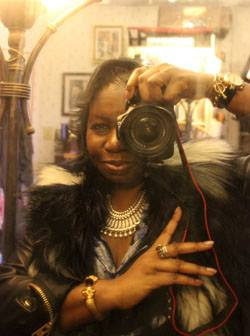
Created by a Stylist
The Fashion Lineup
Runway Days Without Chaos — From First Look to Final Exit
A mobile-first lineup tool that keeps every look, model, and schedule note in sync — so your team executes with calm precision.
Cards view for backstage
Table view for planning
Built for speed + clarity
Team-ready workflow
Fast Start (Takes Less Than Two Minutes)
Create an event → add a look → attach an image → add a note or model. Done.
Why You’ll Use This Every Show
Explore the Dashboard Demo
- All looks + models in one view — no late swaps, no missing numbers
- Mobile-friendly cards — updates in real time on the fly
- Fewer text threads — assistants who follow the plan, not your inbox
Get it Now
It's Free. No credit card required. Designed for designers — mobile ready.
Click "Get it Now" to get on the list.
Demo Video
Explore the Dashboard Demo